

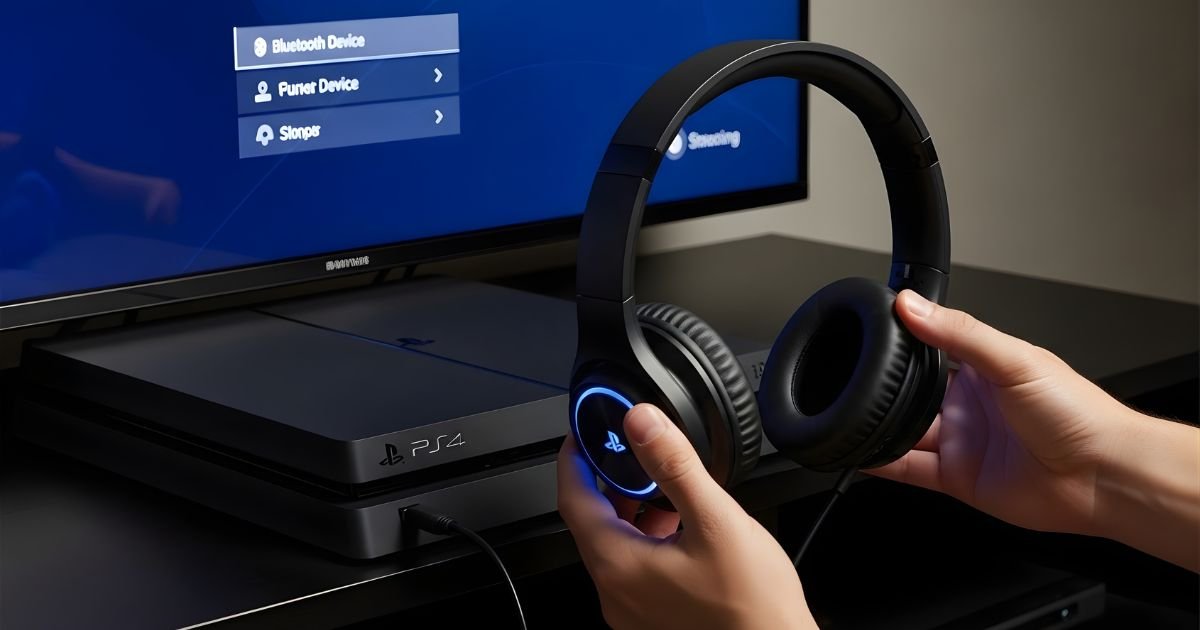
Are you ready to take your gaming experience to the next level? Imagine diving into epic battles, hearing every footstep, or engaging in intense multiplayer sessions without the hassle of tangled wires.
Bluetooth headphones can make this dream a reality on your PS4. Not only do they offer freedom of movement, but they also enhance audio immersion like never before. Whether you’re strategizing with friends or just enjoying solo play, connecting those wireless headphones is easier than you might think.
Let’s dive into how to connect Bluetooth headphones to your PS4 and unlock a whole new world of sound!
How to Connect Bluetooth Headphones to PS4
Connecting Bluetooth headphones to your PS4 is a straightforward process. First, ensure your headphones are powered on and in pairing mode. Most models allow you to enter this mode by holding down the power button for a few seconds until you see a blinking light.
Next, grab your PS4 controller and navigate to the settings menu from the home screen. Scroll down and select “Devices,” then choose “Bluetooth Devices.” Your console will start scanning for nearby devices, including your headphones. Once they appear on the list, simply click on their name.
After selecting your headphones, confirm any prompts that may pop up on-screen. This step ensures that both devices establish a secure connection without issues. You might hear an audio cue indicating successful pairing.
Adjust the audio output settings if necessary. Go back to “Settings,” select “Sound,” and then “Audio Output Settings.” Here you can fine-tune how sound plays through your wireless headphones or set them as the primary audio source for gaming sessions. Enjoy seamless gameplay with high-quality sound!
Exploring the Connectivity Options
When it comes to connecting headphones to your PS4, several options exist beyond just Bluetooth. The console supports wired connections as well, giving you flexibility based on your preferences and the equipment available.
Using a 3.5mm headphone jack can be a straightforward choice for many gamers. You simply plug in your favorite pair of wired headphones into the Dual Shock controller and enjoy crystal-clear audio without any latency issues. This option is ideal if you’re looking for hassle-free connectivity.
For those who prefer wireless freedom but want something more reliable than standard Bluetooth, consider using USB dongles or adapters designed specifically for gaming headsets. These devices often provide better sound quality and may offer additional features like surround sound or customizable equalizer settings.
Bluetooth technology allows you to use various compatible headphones with ease; however, not all Bluetooth models work seamlessly with the PS4. Knowing which types are supported can save time and frustration during setup, ensuring that you get the best experience while gaming.
Step-by-Step Guide for Pairing Bluetooth Headphones with PS4
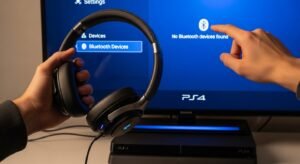
To start, ensure your Bluetooth headphones are fully charged and in pairing mode. This usually involves pressing and holding the power button until a light indicator flashes, signaling that they’re ready to connect.
Next, turn on your PS4 console and navigate to the main menu. From there, head to “Settings,” which you’ll find on the top row of icons. Once in settings, scroll down and select “Devices.” Here’s where you’ll manage all connected devices, including audio accessories.
Now click on “Bluetooth Devices.” Your PS4 will scan for available devices nearby. When your headphones appear in the list of found devices, select them by clicking on their name. If required, enter any passcode or confirm pairing as per your headphone’s instructions.
Once paired successfully, adjust your audio settings if necessary. Go back to “Settings” then choose “Sound Devices.” Set “Output Device” to your newly connected headphones for an optimal gaming experience right away!
Troubleshooting Common Connectivity Issues
When connecting your Bluetooth headphones to PS4, you might encounter a few hiccups. One common issue is that the headphones won’t pair at all. Make sure your headphones are in pairing mode and within range of the console. Sometimes, just turning off and on both devices can refresh their connectivity.
Another problem could be audio lag or poor sound quality. This often happens if there’s interference from other wireless devices nearby. Try moving away from routers, microwaves, or any other gadgets that might disrupt the signal for better clarity.
If you experience disconnection while playing games, check if your headphones have sufficient battery life. Low power can lead to unstable connections. It’s also wise to reconnect them through the PS4 settings menu periodically.
Ensure your system software is up-to-date as updates may include bug fixes related to Bluetooth functionalities. Check under Settings > System Software Update regularly so that you’re always running on optimal performance with minimal issues.
Enhancing Your Gaming Experience with Wireless Audio
Wireless audio has transformed gaming, offering players an immersive experience like never before. By connecting Bluetooth headphones to your PS4, you can enjoy clear sound quality without the hassle of tangled cords. This freedom allows for movement and comfort while you dive into your favorite games.
Imagine being able to hear every footstep and subtle cue in a multiplayer match. Wireless headphones provide that competitive edge, enabling gamers to react quickly and strategize effectively. The enhanced audio clarity means you’re not just playing; you’re fully engaged in another world.
Moreover, good wireless headphones often come with features such as noise cancellation or surround sound capabilities. These advancements help block out external distractions, allowing you to focus solely on the game’s environment. You’ll feel like you’re right in the middle of action-packed scenes.
Additionally, many models offer built-in microphones for seamless communication with teammates or friends during gameplay sessions. This connectivity enriches social interactions within games without needing additional hardware cluttering your setup. Enhanced auditory immersion is at your fingertips with this cutting-edge technology.
Leveraging Bluetooth Features for Chat and Game Audio
Bluetooth headphones offer a unique advantage when it comes to in-game communication and audio immersion. With the right setup, gamers can enjoy clear chat audio while being fully immersed in their gaming environment. This flexibility allows for seamless conversations with teammates without sacrificing sound quality.
Many Bluetooth headphones come equipped with built-in microphones that enhance voice clarity during multiplayer sessions. Using these features effectively creates a more engaging experience, allowing players to strategize and communicate effortlessly. No longer do you need to rely on standard controllers or headsets tethered by wires.
Additionally, some models support advanced codecs that improve the overall sound quality of both game audio and voice chat. This ensures that every gunshot, explosion, or teammate’s callout is heard precisely as intended. Investing in high-quality Bluetooth headphones can significantly elevate your gaming experience.
Moreover, many modern Bluetooth headphones integrate features like noise cancellation. This function helps block out distractions from your surroundings, letting you focus entirely on your gameplay and interactions with friends online—transforming casual play into something truly immersive.
Maximizing Audio Quality and Performance
To truly enjoy your gaming experience, focusing on audio quality is essential. Invest in high-quality headphones that provide clear sound and a good frequency range. This will help you hear every footstep, explosion, or subtle cue in the game.
Ensure your Bluetooth headphones are fully charged before starting a session. A low battery can significantly impact audio performance and lead to annoying dropouts during crucial moments in gameplay. Regularly check for firmware updates as well; these updates often include enhancements that improve connectivity and overall sound quality.
Consider adjusting the audio settings within your PS4 system. Navigate to “Settings,” then “Devices,” followed by “Audio Devices.” Here, you can tweak options like volume control and output settings tailored specifically for your headphones’ capabilities.
Minimize interference from other wireless devices nearby. Keeping other gadgets at bay not only stabilizes the connection but also enhances the clarity of sound transmission through your Bluetooth headphones. Remember that a stable environment contributes greatly to an immersive auditory experience while playing games.
Conclusion
Connecting Bluetooth headphones to your PS4 can significantly enhance your gaming experience. The wireless freedom allows for a more immersive sound environment, letting you fully engage in gameplay without the hassle of tangled wires.
As you’ve learned, pairing your headphones is straightforward and opens up new possibilities for audio enjoyment.
By leveraging features such as chat and game audio through Bluetooth, you can communicate effectively with teammates while relishing every sound detail in the games you love. Remember that maximizing audio quality involves tweaking settings on both your device and headphones to get the best performance out of them.
Troubleshooting issues may seem frustrating at times, but understanding common connectivity problems will help keep interruptions at bay. With just a little patience and practice, you’ll be able to enjoy seamless wireless gaming audio that enhances every match or adventure.
