

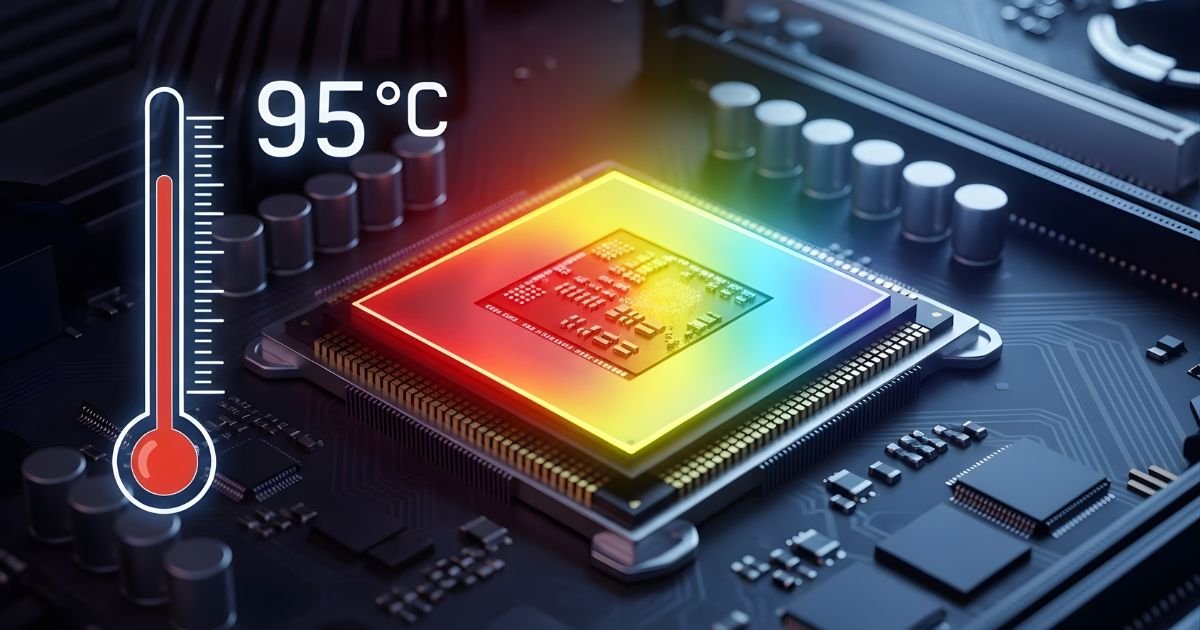
Every time you boot up your computer, you’re relying on a tiny powerhouse: the CPU. This central processing unit is the brain of your system, executing commands and powering through tasks at lightning speed. But have you ever wondered how hot that little chip gets while working its magic?
Just like an athlete pushing their limits, CPUs generate heat as they perform complex calculations. Understanding how this heat affects performance—and what to do about it—is essential for keeping your computer running smoothly and efficiently.
So let’s dive into the world of CPU temperatures and discover why maintaining optimal heat levels is crucial for peak performance and longevity!
Understanding CPUs and Heat
At the heart of every computer lies the Processor, often referred to as its brain. This tiny chip executes millions of instructions per second, making it essential for everything from simple tasks to complex gaming.
As Processor process data, they generate heat. This is a natural byproduct of electrical activity within the unit. The more demanding the task—be it video editing or playing high-end games—the hotter your Processor can become.
Heat management is critical since excessive temperatures can impair performance and lead to hardware damage. That’s why understanding how your Processor handles heat is vital for maintaining an efficient system.
Various factors contribute to this thermal behavior, including design architecture and cooling solutions. Knowing how these elements interact helps users optimize their setups for both performance and longevity.
The Factors that Affect CPU Temperature
Several factors influence CPU temperature, starting with workload. When you’re running demanding applications or gaming, the CPU works harder and generates more heat.
Cooling solutions play a crucial role too. A high-quality cooler can significantly lower temperatures compared to stock options.
Ambient temperature is another key factor. If your room is warm, your computer’s cooling system struggles to maintain optimal temperatures.
Case airflow affects how efficiently hot air escapes from inside your PC. Good airflow helps regulate temperature better than cramped setups.
Thermal paste quality matters as well. Old or poorly applied thermal paste can hinder heat transfer between the CPU and cooler, leading to elevated temperatures that could impact performance over time.
Measuring CPU Temperature
Measuring CPU temperature is crucial for maintaining optimal performance. There are several methods to keep tabs on your CPU’s heat levels.
Software tools like Core Temp and HW Monitor provide real-time readings directly from the operating system. These applications can display temperatures in Celsius or Fahrenheit, making it easy for users to monitor their CPUs continuously.
Another method is using BIOS settings. When you boot your computer, entering the BIOS menu often reveals hardware statistics, including CPU temperature. This option doesn’t require any additional software installation.
For more advanced users, thermal probes can be integrated with monitoring systems. This approach offers precise measurements but requires a bit of technical know-how.
Regardless of how you choose to measure it, staying informed about your CPU’s temperature helps prevent overheating issues that could lead to significant damage over time.
Safe Operating Temperatures for CPUs

Every CPU has a specific temperature range it operates within safely. For most modern CPUs, this range typically falls between 70°C to 85°C under load. Staying within these limits is crucial for optimal performance.
Exceeding these temperatures can lead to thermal throttling. This process reduces the CPU’s speed to prevent damage, affecting your system’s overall efficiency.
Different manufacturers have varying specifications, so it’s essential to check the guidelines provided by companies like Intel or AMD. They often publish maximum temperature ratings known as Tjunction Max.
Cooling solutions play a significant role in maintaining safe operating temperatures. Effective heatsinks, fans and even liquid cooling systems can help keep those numbers down during intensive tasks like gaming or video rendering.
Monitoring tools are available for tracking real-time temperatures. Using software that alerts you when the CPU starts heating up can be invaluable in protecting your hardware from potential harm.
Ways to Keep Your CPU Cool
Keeping your CPU cool is essential for optimal performance. One effective method is to invest in a quality aftermarket cooler. These coolers often provide better airflow and thermal dissipation than stock options.
Regular cleaning of your computer’s interior can make a significant difference too. Dust accumulation on fans and heat sinks reduces cooling efficiency, so don’t forget to use compressed air to clear out debris regularly.
Proper cable management also plays a role in airflow. Neatly organizing cables helps maintain unobstructed paths for air circulation within the case.
Consider using thermal paste when installing or reseating your CPU cooler. Fresh thermal paste improves heat transfer between the CPU and its cooler, enhancing temperature control significantly.
Monitor temperatures with software tools that alert you if things start heating up excessively. Staying proactive can help prevent potential overheating issues before they become critical.
Potential Risks of Overheating CPUs
Overheating CPUs pose several risks that can impact both performance and hardware longevity. One immediate concern is thermal throttling. When temperatures exceed safe limits, the CPU automatically reduces its clock speed to cool down, resulting in sluggish performance during tasks.
Long-term overheating can lead to physical damage. Components like transistors may degrade over time due to excessive heat, causing permanent malfunction or failure of the CPU itself.
Data integrity is also at risk. Overheated Processor might cause memory errors or data corruption, jeopardizing important files and applications.
Additionally, an overheated system could trigger unexpected shutdowns or restarts. These interruptions not only disrupt your workflow but can lead to further complications if unsaved work is lost.
Ignoring signs of overheating can have severe implications for any computing setup. Ensuring adequate cooling and monitoring temperatures becomes crucial for maintaining a healthy CPU environment.
Average operating temperature for different types of CPUs
Different types of CPUs have varying average operating temperatures. Consumer-grade processors, like those from Intel and AMD, typically operate well between 40°C to 70°C under load.
High-performance CPUs designed for gaming or heavy tasks can reach slightly higher temperatures, often peaking around 80°C during intense usage. These chips are engineered to handle heat more efficiently.
In contrast, mobile Processor found in laptops usually maintain lower temperatures due to their design constraints. They often hover around 35°C to 65°C during regular tasks.
Server-grade processors demand even more attention regarding thermal management. With an operational range of about 60°C to 90°C, they require robust cooling solutions due to prolonged workloads.
Understanding these temperature ranges is crucial for keeping your system running smoothly and extending its lifespan.
How hot can a CPU get and what happens when it overheats?
CPUs are designed to operate efficiently within a specific temperature range, typically between 70°C and 90°C under heavy load. However, they can reach extreme temperatures of up to 100°C or more during intense processing tasks.
When a CPU overheats, several things can occur. The first line of defense is throttling. This means the Processor will reduce its clock speed to cool down and avoid damage.
If overheating persists, thermal shutdown may happen. This is an automatic safety feature that powers off the computer entirely to prevent permanent harm.
Repeated overheating can lead to long-term degradation of components. Prolonged exposure at high temperatures accelerates wear and tear on the microarchitecture, ultimately shortening your Processor lifespan. Keeping an eye on temperature levels is essential for maintaining peak performance and reliability over time.
Common causes of overheating in CPUs
Overheating in CPUs can stem from several common issues. One significant factor is inadequate cooling solutions. Dust buildup on fans and heatsinks restricts airflow, preventing efficient heat dissipation.
Another culprit is poor thermal paste application. If the thermal paste between the Processor and its cooler dries out or isn’t applied correctly, it can lead to insufficient heat transfer.
High ambient temperatures also play a role. Operating a computer in a warm environment without proper ventilation will increase the CPU’s temperature significantly.
Additionally, overclocking presents risks as well. Pushing your Processor beyond its limits generates extra heat that standard cooling may not handle effectively.
Software running in the background can spike usage and cause overheating too. Monitoring your processes regularly ensures that no rogue applications are taking up unnecessary resources.
Tips for keeping your CPU cool and prolonging its lifespan
Keeping your CPU cool is essential for optimal performance and longevity. Start by ensuring proper airflow in your computer case. Remove dust buildup from fans and vents regularly to maintain efficient cooling.
Investing in a quality aftermarket cooler can make a significant difference. These coolers often offer better thermal management than stock options, leading to lower temperatures during heavy use.
Monitor your Processor temperature using software tools. This way, you can identify any unusual spikes before they become problematic.
Consider optimizing your system settings as well. Lowering the overclocking settings or tweaking power profiles can reduce heat generation significantly.
Ensure that thermal paste between the CPU and its cooler is applied correctly. Over time, it may dry out and lose effectiveness, so reapplying it every few years helps maintain peak performance.
Conclusion
Understanding the temperature dynamics of your Processor is essential for maintaining optimal performance and longevity. Processor are designed to operate within specific temperature ranges, and exceeding these limits can lead to severe consequences.
By being aware of the factors that contribute to heat generation, you can take proactive steps to manage your device’s temperature effectively.
Measuring Processor temperatures regularly will help you identify any issues before they escalate. Knowing what constitutes a safe operating range for your specific type of Processor allows you to monitor its health accurately.
Taking measures such as ensuring proper ventilation, using high-quality thermal paste, and investing in cooling solutions like fans or liquid cooling systems will prolong your Processor life and enhance performance. Recognizing common causes of overheating also empowers you to troubleshoot potential problems quickly.
Maintaining a cool environment for your Processor not only enhances its efficiency but also protects it from unnecessary wear over time. Adopting good practices today ensures that you’ll enjoy smooth computing experiences tomorrow without the looming threat of overheating issues affecting your system’s integrity.
